 ProductReveal
About this product
TextBases: A Practical Collection of Free Browser-Based Text and Developer Tools
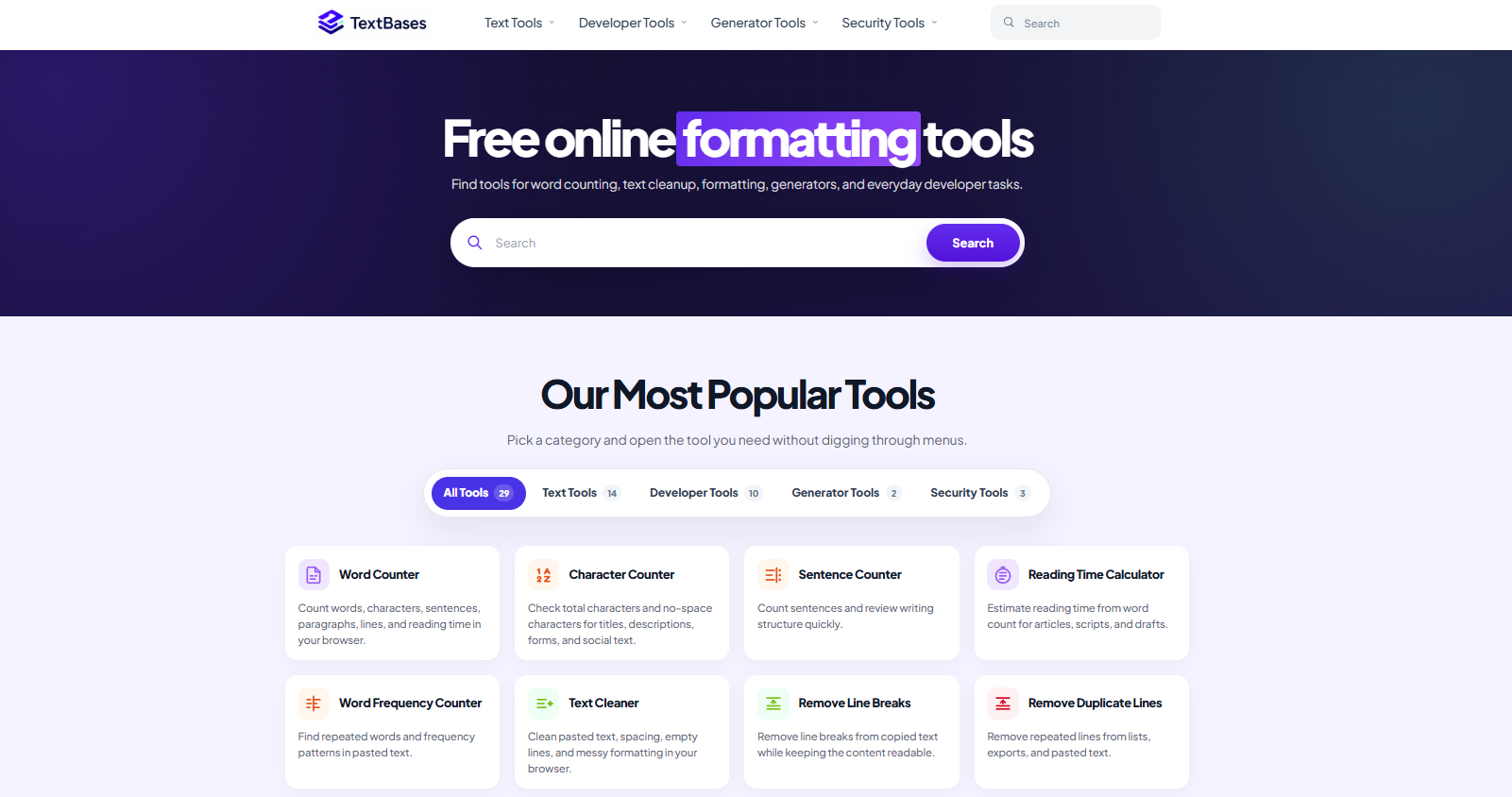
TextBases is a collection of browser-based utilities designed for people who regularly work with text, writing, structured data, and web content. Instead of requiring users to install software, create an account, or navigate through a complicated workspace, the platform provides focused tools that open directly in the browser and are ready to use.
The website brings together text tools, developer utilities, generators, and security-related helpers under one consistent interface. This makes it useful for writers, students, editors, developers, content teams, SEO professionals, and anyone who frequently needs to clean, inspect, transform, or analyze text.
A Broad Collection of Focused Tools
One of the strongest aspects of TextBases is the range of tasks covered by the platform. Its text tools include utilities for counting words and characters, removing unwanted line breaks, changing letter case, finding and replacing text, sorting lines, removing duplicates, and analyzing written content.
These tools solve small but repetitive problems that can otherwise interrupt a workflow. For example, text copied from a PDF often contains hard line breaks at the end of every visual line. The Remove Line Breaks tool helps turn that fragmented text back into readable paragraphs without requiring a word processor or custom script.
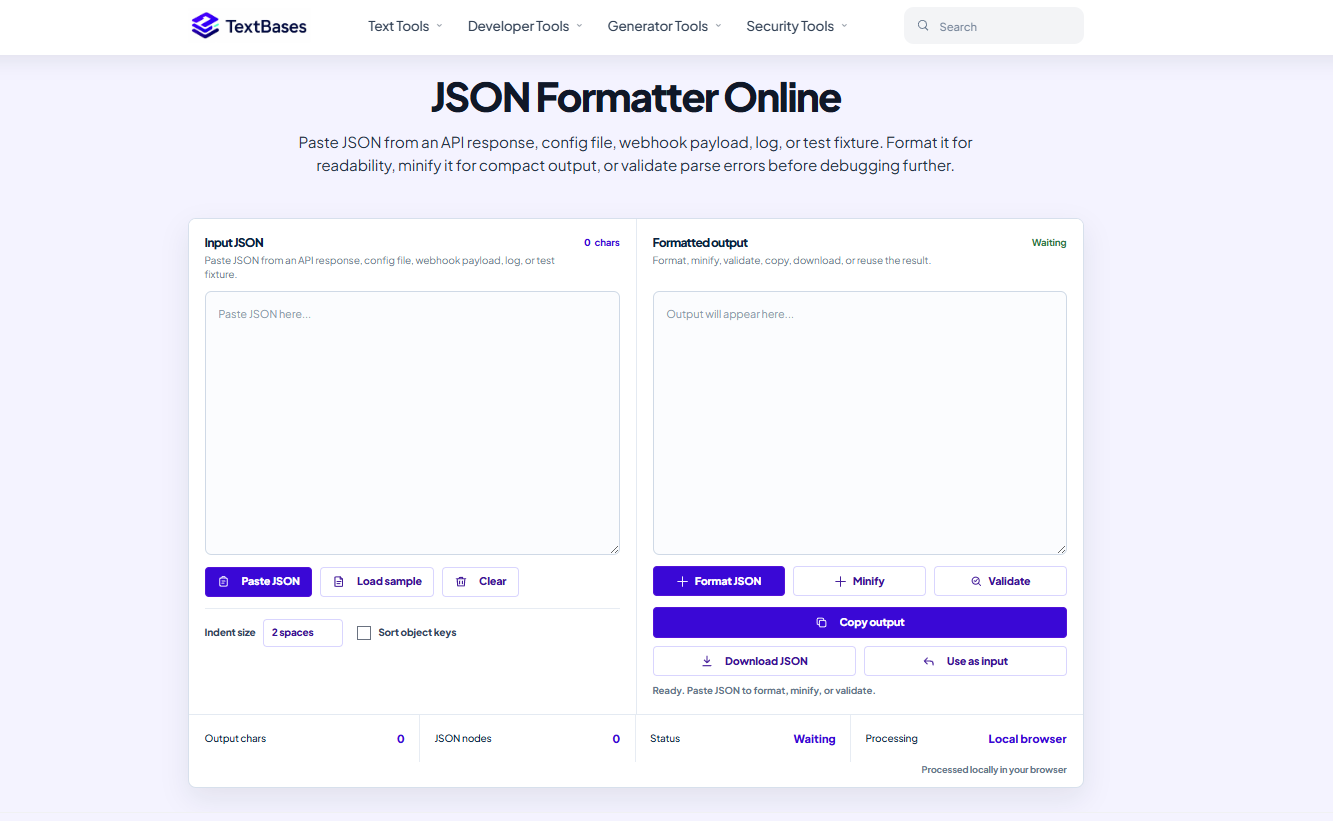
TextBases also provides developer-focused utilities for working with formats such as JSON, HTML, and XML. Formatting tools make structured data easier to inspect, while encoding, conversion, and security utilities support common development and troubleshooting tasks.
Simple Browser-Based Workflow
The platform follows a straightforward workflow. Users open a tool, paste or enter their content, run the required operation, and copy the result. There is no dashboard that must be configured first and no account creation process blocking access to the core tools.
This direct approach is especially useful for occasional tasks. Someone who only needs to format a JSON response, count the words in an article, or remove duplicate lines should not need to install a dedicated application. TextBases keeps these workflows lightweight and accessible.
The interface is also consistent across the tool collection. Although each utility performs a different function, the pages follow a recognizable visual structure. This reduces the learning curve when moving from one tool to another.
Useful for Writing and Content Work
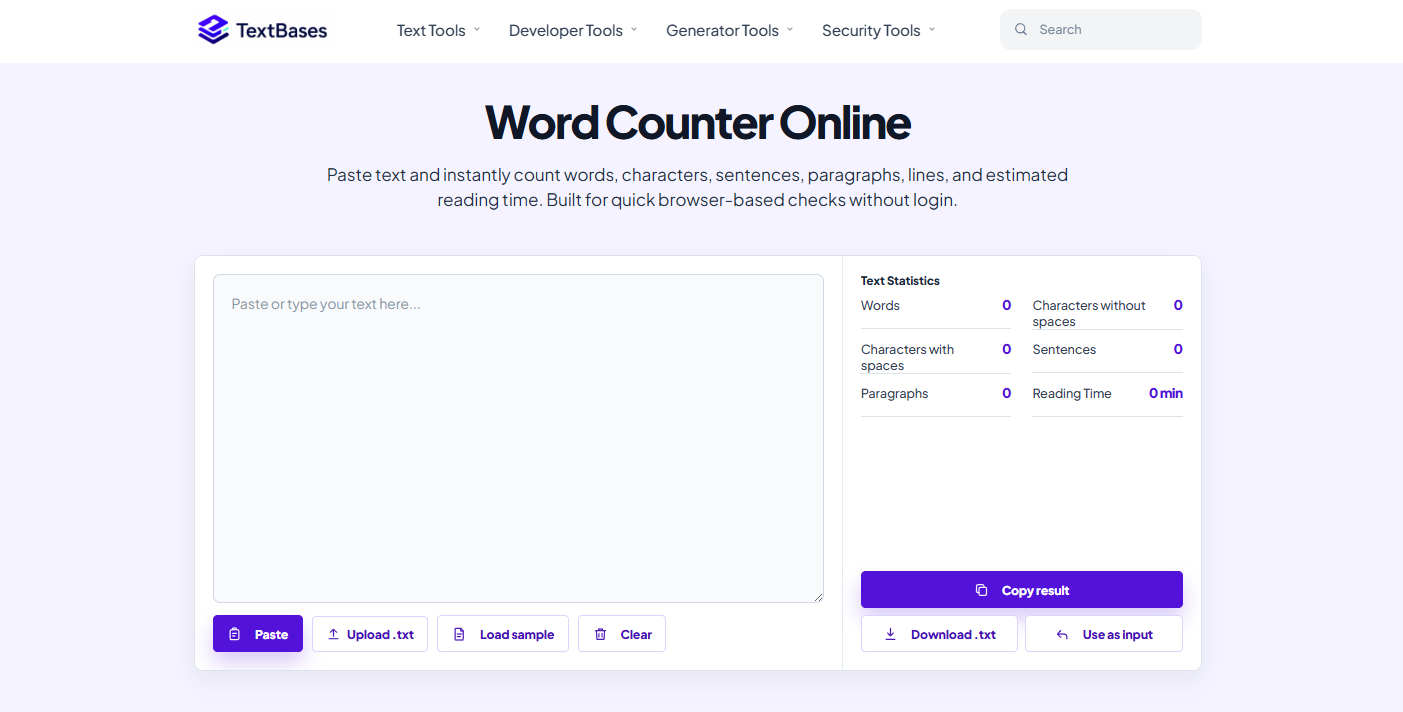
Writers and editors can use TextBases for practical text preparation. A draft can be measured with the Word Counter, cleaned with the whitespace or line-break tools, converted to a different letter case, or checked for repeated lines.
The measurement tools provide more than a basic word total. Depending on the selected utility, users can inspect statistics such as characters, sentences, paragraphs, reading time, and other useful indicators. This can help when preparing articles, social posts, assignments, documentation, or content that must stay within a specific length.
The Find and Replace tool is also useful when a repeated phrase, formatting marker, or naming convention needs to be changed throughout a block of text without opening a larger editor.
Helpful Developer Utilities
TextBases is not limited to general writing tools. Developers can use the platform to format and inspect structured content such as JSON, HTML, and XML. These utilities are useful when reviewing API responses, debugging copied code, cleaning markup, or making compressed data easier to read.
Because the tools are separated by purpose, users can open the exact utility they need rather than navigating through a large multipurpose editor. This keeps individual workflows focused and reduces unnecessary interface complexity.
No Signup for Core Tools
A significant benefit of TextBases is that its core functionality works without account registration. Users do not need to provide an email address before testing or using a tool.
This makes the platform suitable for quick, one-off tasks and lowers the friction for new visitors. It is also helpful in shared, educational, and workplace environments where creating another account may be unnecessary.
Areas That Could Improve
TextBases focuses on individual browser utilities rather than project-based workflows. Users looking for cloud storage, team collaboration, document history, or synchronized accounts will need a different type of product.
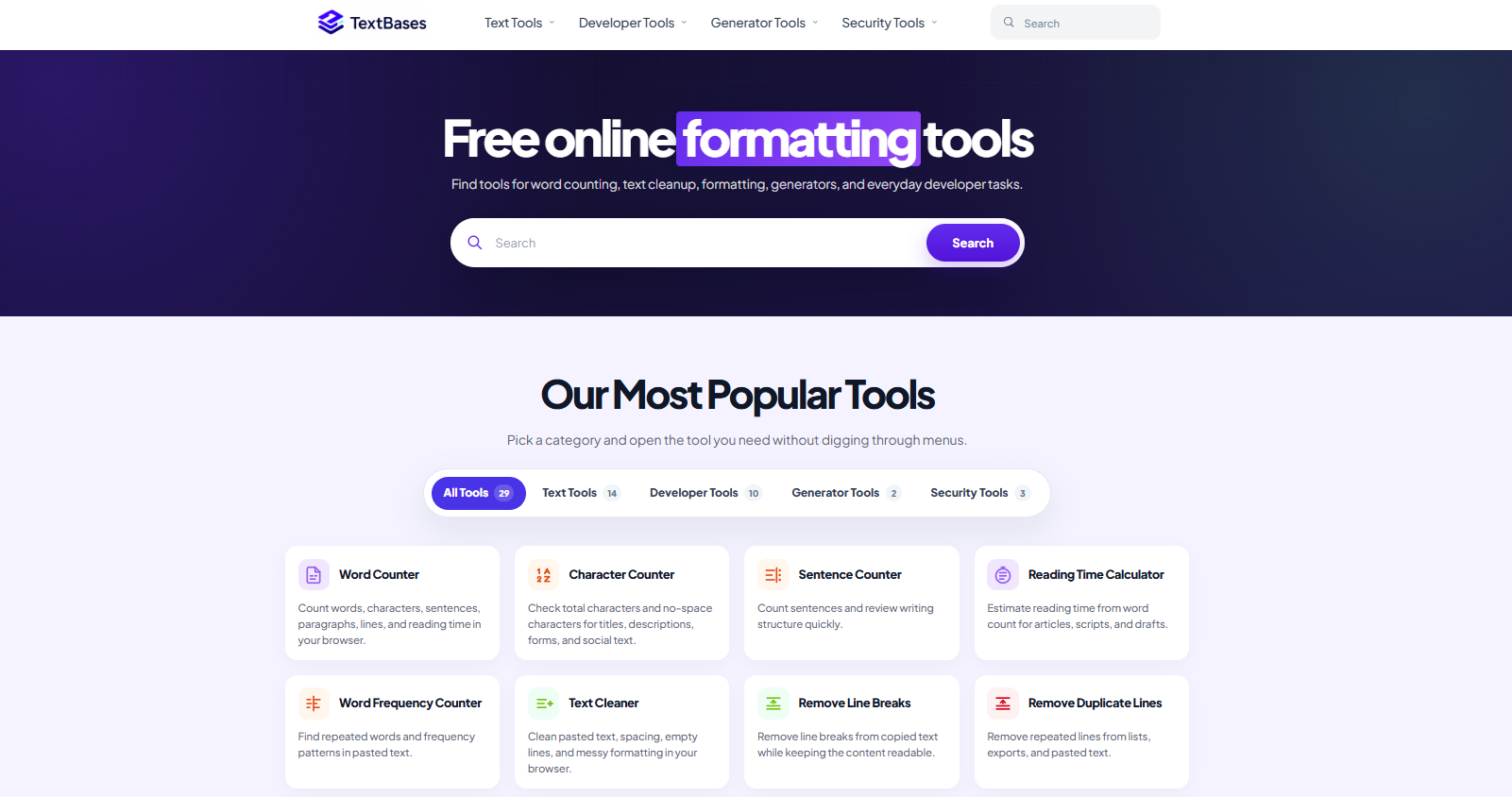
The large number of tools can also mean that users need to browse categories or use search to find the most suitable utility. Continued improvements to tool discovery and cross-linking could make the collection even easier to navigate as it grows.
Final Verdict
TextBases is a useful option for people who want fast access to practical text and developer tools without installing software or creating an account. Its strongest qualities are the variety of focused utilities, consistent interface, and low-friction browser workflow.
It is particularly well suited to writers, developers, students, editors, and productivity-focused users who regularly perform small text-processing tasks. Rather than trying to replace a full document editor or development environment, TextBases succeeds by making common operations quick and accessible.
Key features
- Free text tools for counting, cleaning, formatting, and transforming content
- Developer utilities for JSON, HTML, XML, encoding, and structured data
- Core tools work instantly without account registration
- Consistent browser-based interface across the complete tool collection
- Useful writing statistics including words, characters, sentences, and reading time
Pros
- Free to use
- No signup required for core tools
- Broad selection of text and developer utilities
- Fast browser-based workflow
- Clean and consistent interface
Cons
- No cloud project storage
- No team collaboration features
- Focused on individual utilities rather than full document editing
Gallery
Reviews
Reviews are moderated before appearing publicly.
No reviews yet — be the first to share your experience.