 ProductReveal
About this product
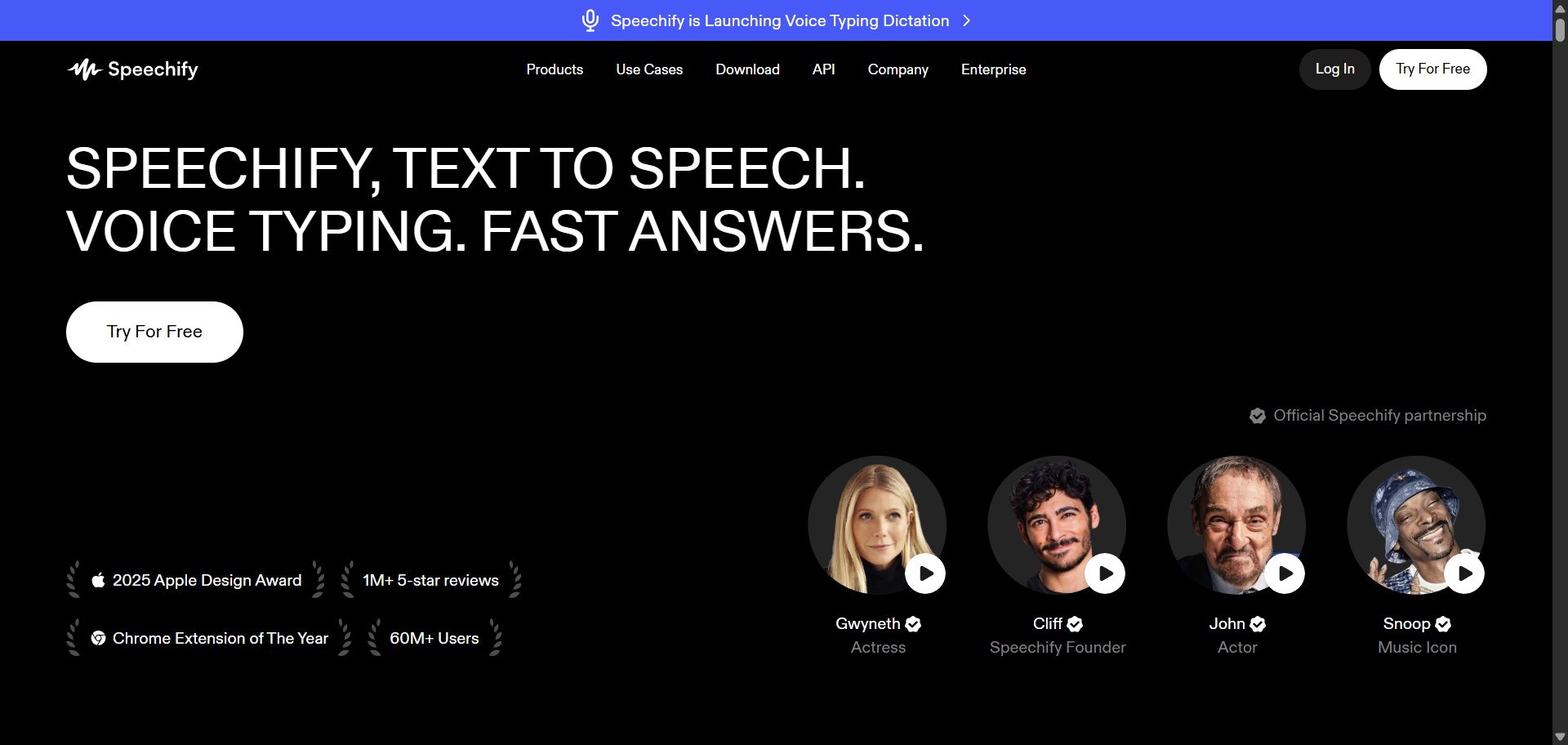
Speechify is an AI-powered text-to-speech platform that transforms written content into natural-sounding audio. Whether you're reading a book, reviewing class notes, studying research papers, or catching up on online articles, Speechify allows you to listen instead of read. It's designed for people who want to save time, improve focus, reduce screen fatigue, or make reading more accessible in their daily lives.
What makes Speechify popular is its simplicity. After installing the app or browser extension, users can import PDFs, Word documents, web pages, emails, Google Docs, or even scan printed pages with their phone's camera. Within seconds, the content is converted into clear, human-like speech. This flexibility makes the platform useful for students, professionals, researchers, language learners, and anyone who consumes large amounts of written information.
One of Speechify's strongest features is the quality of its AI voices. Instead of sounding robotic or monotone, the Premium version includes a large collection of realistic voices across dozens of languages and accents. Users can choose a voice that matches their preference and adjust playback speed based on how quickly they want to absorb information. Some people prefer listening at normal speed, while others increase playback to several times the normal rate to review documents much faster. This flexibility helps users adapt the experience to their own learning style.
Speechify also helps improve productivity by allowing users to multitask. Rather than sitting in front of a screen for long periods, they can listen while commuting, exercising, walking, cooking, or completing other daily activities. For busy professionals and students, this can make it easier to stay on top of reading assignments without dedicating extra hours to screen time. Many users also find that listening while following along with the text improves concentration and information retention.
Accessibility is another important reason people choose Speechify. Individuals with dyslexia, ADHD, visual impairments, or reading difficulties often benefit from hearing text read aloud instead of relying only on visual reading. The platform helps reduce reading fatigue and allows users to process information in a way that feels more comfortable. Because of this, Speechify has become a valuable learning tool in schools, universities, and workplaces that support accessible education and communication.
Beyond text-to-speech, Speechify has expanded its platform with additional AI-powered features. Premium subscribers can access AI summaries, voice typing, document scanning, AI podcasts, and integrations with cloud storage services like Google Drive, Dropbox, and Microsoft OneDrive. These features make it easier to organize documents, create audio versions of written content, and work more efficiently across multiple devices. Since everything syncs across supported platforms, users can start listening on one device and continue on another without losing their place.
Speechify is available on iPhone, iPad, Android, Windows, Mac, and as browser extensions, making it accessible wherever users prefer to work or study. A free plan allows users to explore the platform with basic voices and core text-to-speech functionality, while the Premium subscription unlocks higher-quality voices, faster playback speeds, additional languages, and advanced AI features. This gives new users the opportunity to try the service before deciding whether the extra capabilities fit their needs.
Overall, Speechify is more than a simple text reader. It is a practical productivity and accessibility tool that helps people consume written information in a more flexible way. Whether you're a student preparing for exams, a professional reviewing lengthy reports, a language learner improving listening skills, or someone who simply prefers listening over reading, Speechify offers an easy and effective way to turn almost any text into high-quality audio. Its combination of realistic voices, cross-platform support, and accessibility-focused features has made it one of the most widely used text-to-speech applications available today.
Key features
- Convert PDFs, articles, emails, books, web pages, and documents into natural-sounding audio with customizable playback speeds.
- Access a large library of high-quality voices in more than 60 languages and accents for a more natural listening experience.
- Scan printed pages or physical documents with your device's camera and instantly convert them into spoken audio.
- Continue listening seamlessly across smartphones, tablets, desktop computers, and browser extensions with synced progress.
- Use AI summaries, voice typing, cloud storage integrations, and AI-powered assistants to streamline reading and document management.
Pros
- Natural and realistic AI voices.
- Supports PDFs, web pages, emails, books, and documents.
- Excellent accessibility for users with dyslexia, ADHD, or visual impairments.
- Adjustable playback speeds for faster learning.
- Available across multiple devices and operating systems.
- Easy-to-use interface suitable for beginners.
- Includes OCR for printed documents.
- Cloud storage integrations improve workflow.
- Free plan available to try before upgrading.
- Regularly updated with new AI-powered productivity features.
Cons
- Many premium voices and advanced features require a paid subscription.
- The free version offers limited voice options and slower playback speeds.
- Some advanced AI features are available only with Premium.
- Voice quality may vary depending on the selected language or voice.
- Heavy users may find the subscription cost higher than basic text-to-speech alternatives.
Reviews
Reviews are moderated before appearing publicly.
No reviews yet — be the first to share your experience.
Disclaimer: Product information is submitted by makers and reviewed by ProductReveal before publishing. We try to keep details accurate, but pricing, features, and availability may change. Please verify details on the official product website.