 ProductReveal
QuestStudio
Create images, video, voice, music, and prompts in one connected AI studio
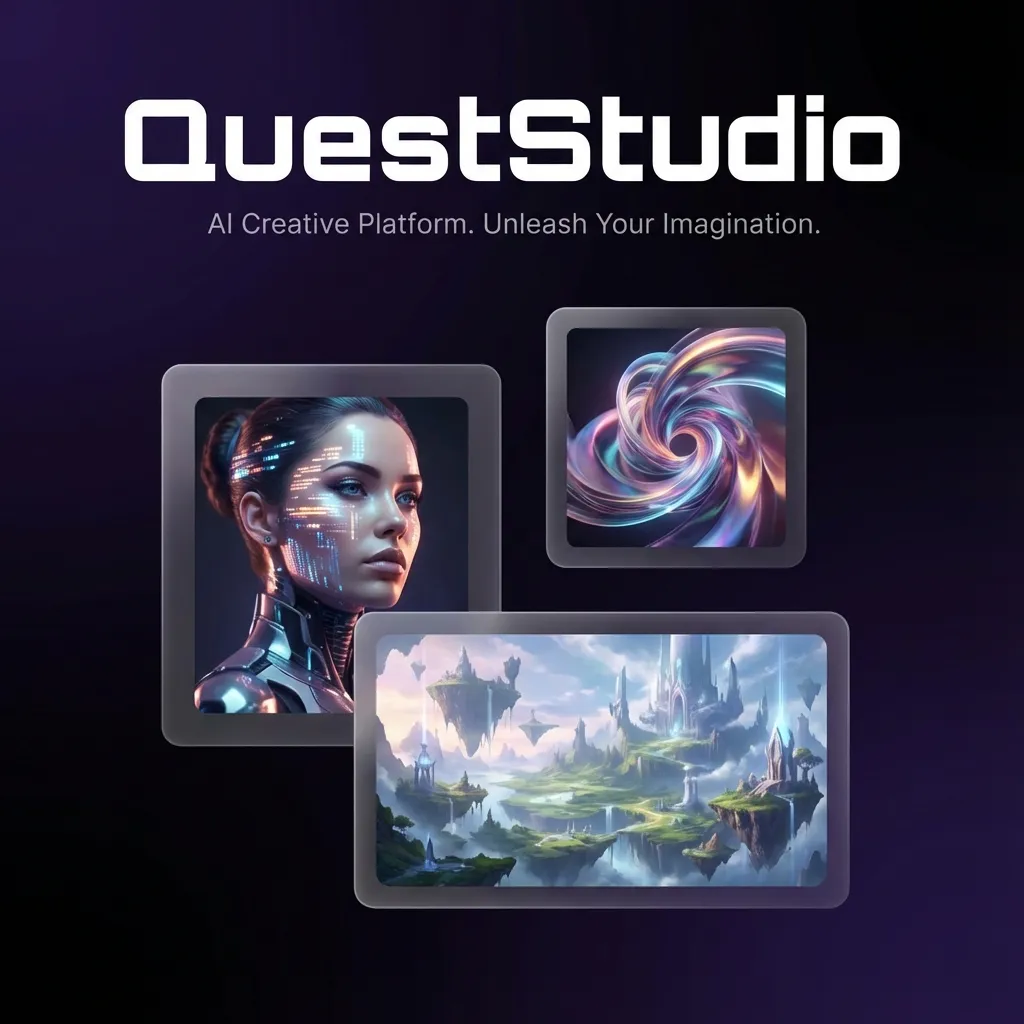
About this product
QuestStudio is a connected AI creative studio for creators who need to move from an idea to a finished multimedia project without rebuilding their workflow in several separate applications.
Most generative projects do not end with one prompt. A creator may begin by planning a concept, generate a reference image, turn that image into a short video, revise the prompt, add narration, prepare music, and then enhance or edit the final assets. QuestStudio brings those steps into one workspace while keeping model choice available for people who want more control.
The guided starting experience is designed to reduce the blank-page problem. A creator can choose an outcome, prepare a brief, and make one basic image preview with a free account and without entering a payment card. That first preview provides a concrete starting point instead of asking a new user to understand every model and setting immediately.
From there, specialized Labs support image generation, video generation, voice and text-to-speech work, music, prompt development, characters, planning, and editing. The product is particularly useful when several media types belong to the same campaign or project. An ecommerce operator can develop product visuals and related advertising assets. A faceless-video creator can coordinate images, motion, and narration. A designer can compare models before committing to a final direction. A recurring content team can keep related outputs together instead of scattering them across browser tabs and separate subscriptions.
QuestStudio also preserves advanced choices. The guided workflow offers recommendations, but experienced users can select models and controls that fit the job. This balance makes the platform accessible to someone creating a first preview while still supporting creators who care about repeatability, consistency, and production settings.
A notable workflow is multilingual narration and permitted voice cloning through XTTS. It can help tutorial makers, course creators, podcasters, and faceless-channel operators revise scripts without re-recording every line manually. Voice tools should be used only with samples the creator owns or has permission to use.
Image workflows cover generation, editing, enhancement, prompt refinement, background removal, restoration, and consistent-character work. Video workflows support turning prepared concepts and visual references into motion. Planning and prompt tools help creators define the deliverable before spending higher-cost generation credits.
QuestStudio uses a freemium entry point. New accounts can create one basic image preview without a card. Creators who need the complete Studio can evaluate the broader workflows through the available Explorer trial and paid plans. Exact model availability and plan limits are shown on the product site because the underlying model catalog evolves.
The strongest reason to consider QuestStudio is not simply the number of models. Its value is the connection between stages of a real creative job. It aims to shorten the handoffs between planning, prompting, image creation, video, voice, music, and editing while allowing the creator to keep control.
QuestStudio is best suited to independent creators, small creative teams, agencies, ecommerce operators, educators, and content businesses producing multimedia assets repeatedly. Someone who needs only one specialist generator may prefer a narrower tool. Someone who regularly moves among images, video, voice, and editing is more likely to benefit from a connected workspace.
The product is live at queststudio.io. Visitors can explore the public model pages, workflow pages, free tools, and pricing information before deciding whether the Studio fits their production process.
Key features
- Connected image, video, voice, and music workflows
- Guided brief and free basic image preview
- Model choice and advanced creator controls
- XTTS multilingual narration and permitted voice cloning
- Prompt, character, restoration, and editing tools
Pros
- Connected multimedia workflow
- One free image preview without a card
- Guided start with advanced controls
Cons
- A specialist may be simpler for one narrow task
- Advanced generations require trial credits or a paid plan
Reviews
Reviews are moderated before appearing publicly.
No reviews yet — be the first to share your experience.