 ProductReveal
About this product
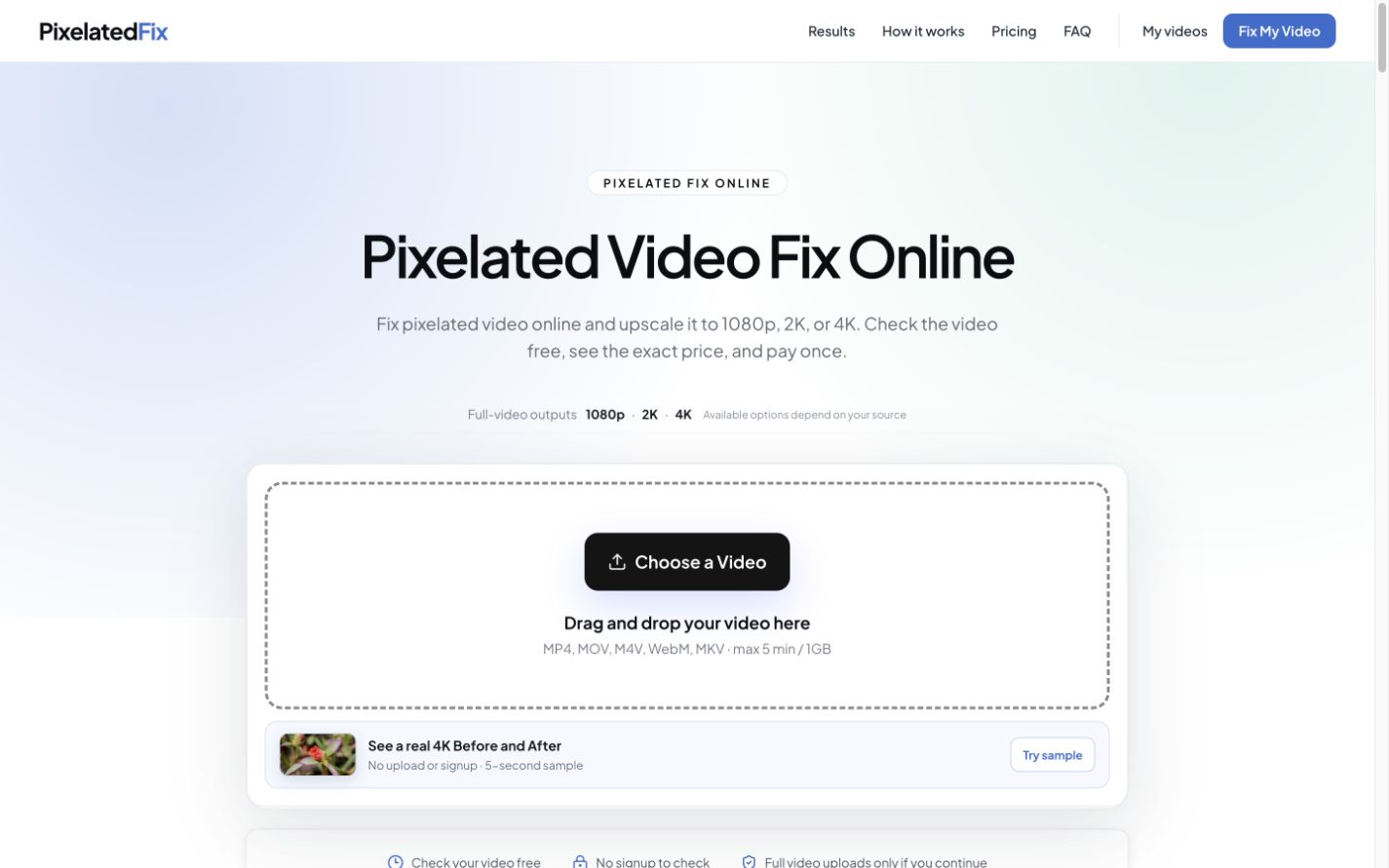
PixelatedFix is a focused online tool for people who have a blocky, compressed, blurry, or low-resolution video and want to understand what can realistically be improved. It combines a diagnostic workflow with AI-assisted cleanup and upscaling, so users can check the source, choose an output target, and see the exact one-time price before they commit to processing the full video.
The product is designed around a common problem: “pixelated” can describe several different failures. A video may contain visible compression blocks during motion, soft detail from a low-resolution source, ringing around edges, or a clear local master that only looks poor after a platform upload. PixelatedFix does not present every one of those cases as the same problem. Its guides first help users identify where the loss appeared and recommend a clean re-export or platform-quality check when that is the better solution.
When the damage is already baked into the best surviving copy, PixelatedFix provides an AI enhancement path. Users can choose 1080p, 2K, or 4K output. The workflow is intended to reduce distracting block edges and create a cleaner enlargement while preserving an honest limitation: no enhancer can recover detail that was never captured by the camera or retained in the source file.
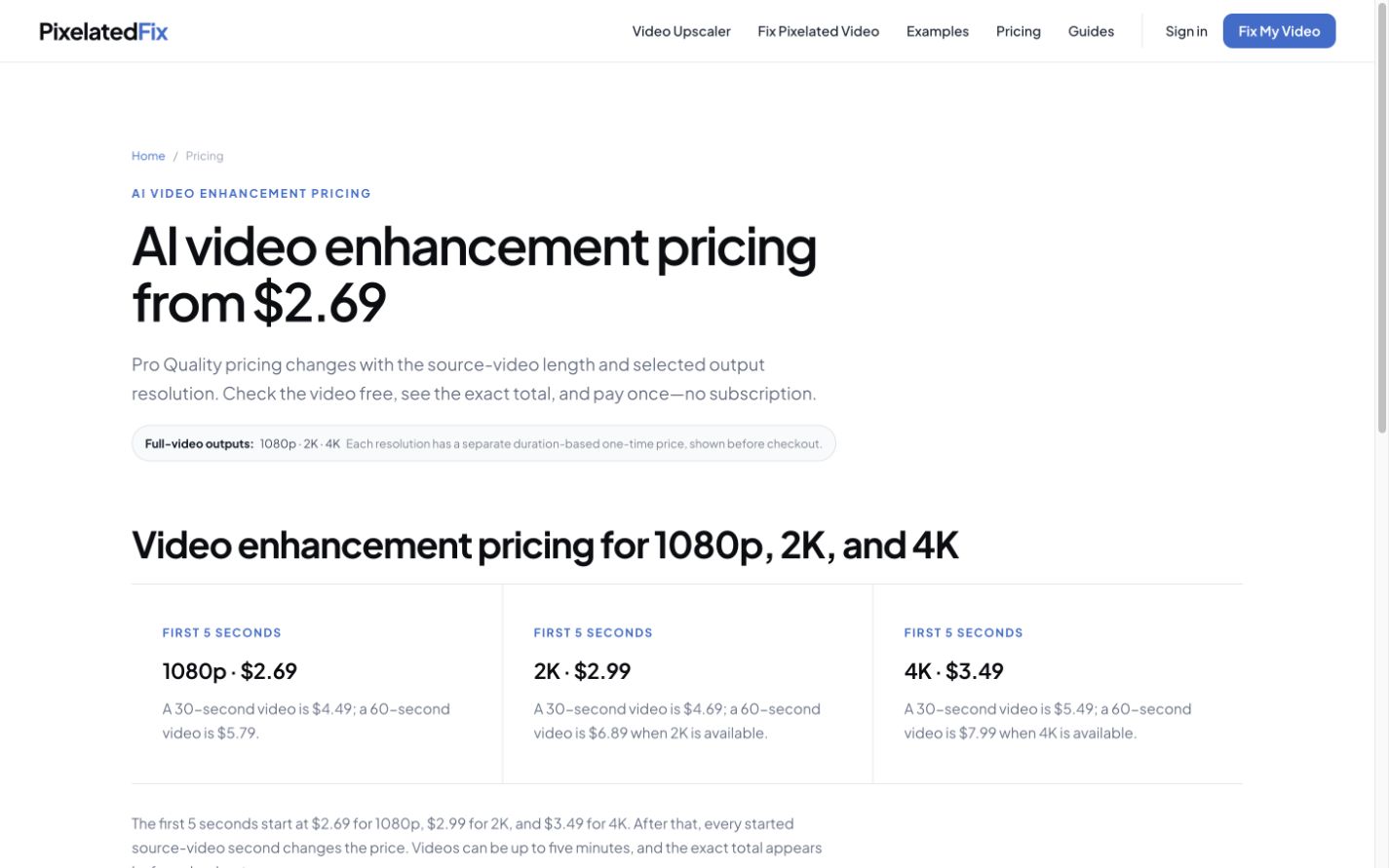
A useful part of the experience happens before upload. The browser performs a local metadata check so the user can review the file duration, source resolution, and available output choices. The product then shows the exact duration-based one-time price for that video. There is no subscription, and the page does not ask users to buy a generic credit package before they understand the likely cost.
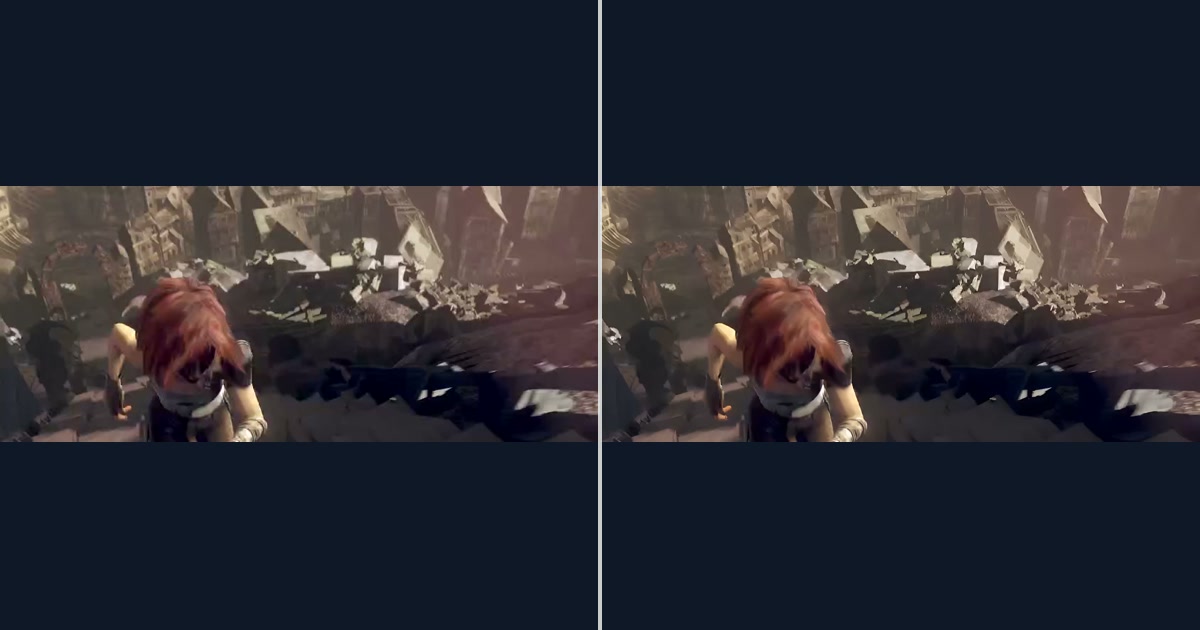
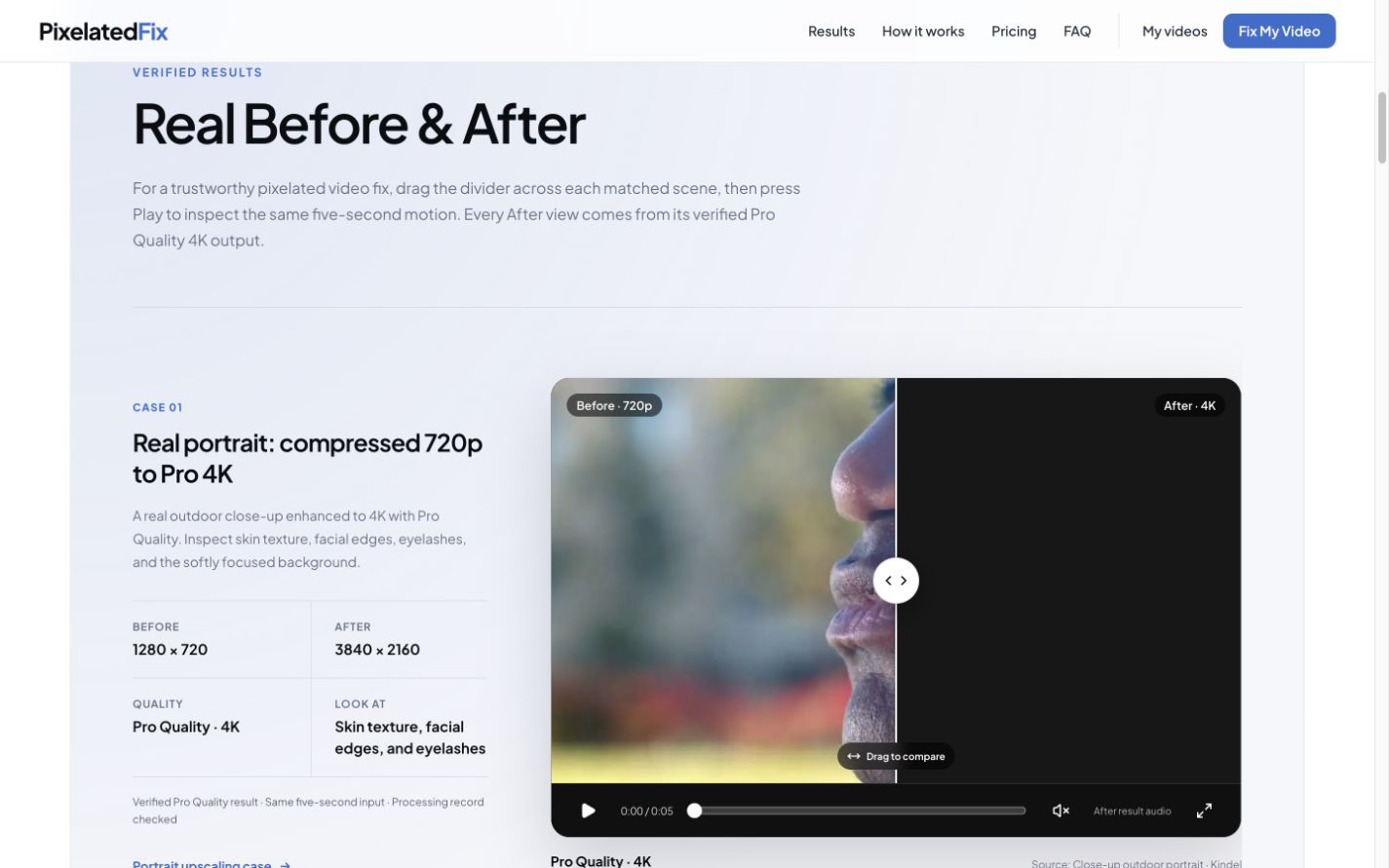
PixelatedFix also publishes real before-and-after evidence. The examples library includes matched original and enhanced clips across several difficult scenarios, including low light, fast motion, portraits, city footage, social compression, and interface recordings with small text. Visitors can compare the same moment in both versions instead of relying on unrelated marketing stills. The methodology page explains how the examples are produced and identifies the boundaries of what each comparison proves.
The site includes scenario-specific troubleshooting for YouTube, Android, iPhone, and CapCut. The YouTube material separates source and export quality from upload processing and playback selection. The Android and iPhone guides focus on finding the earliest local original and avoiding repeated sharing compression. The CapCut guide distinguishes a low-quality timeline preview from the finished local export and a later social-media copy. These pages are useful even when the correct answer is not to run an AI enhancement.
The primary audience is creators, freelancers, social-media teams, educators, and anyone trying to rescue an important compressed copy without installing a desktop video pipeline. PixelatedFix supports a straightforward web workflow and makes the commercial boundary clear before payment. It is especially practical when the original export is no longer available, when a downloaded or messaged copy is the best remaining source, or when a user wants to compare enhancement evidence before deciding whether a larger output is worthwhile.
PixelatedFix is not a replacement for a clean camera original, a correct editor export, or the proper upload settings. Its value is the combination of honest diagnosis, concrete visual proof, and an optional AI repair workflow for cases where the remaining source still has compatible quality limits.
Key features
- AI cleanup for blocky and compressed video
- Upscale output to 1080p, 2K, or 4K
- Free local video check before upload or payment
- Exact one-time quote with no subscription
- Real before-and-after video examples
Pros
- Clear one-time pricing with no subscription
- Honest diagnosis before recommending enhancement
- Real matched before-and-after video evidence
- Dedicated guides for YouTube, Android, iPhone, and CapCut
- Multiple output targets up to 4K
Cons
- Cannot recreate detail that was never present in the source
- Full-video processing requires payment
- Results depend on source quality and the type of damage
Gallery
Reviews
Reviews are moderated before appearing publicly.
No reviews yet — be the first to share your experience.