 ProductReveal
Phone Operator - Auto Clicker
No-root Android tap, swipe and script automation

About this product
Phone Operator - Auto Clicker is an Android automation utility designed for people who need to repeat touch actions without building code or rooting a device. It combines a visual script editor with an on-screen floating controller, so a user can configure an action sequence inside the app and then run, pause, move, or stop it while another supported app is visible. The current release focuses on practical personal workflows and touch testing rather than background data collection or remote control.
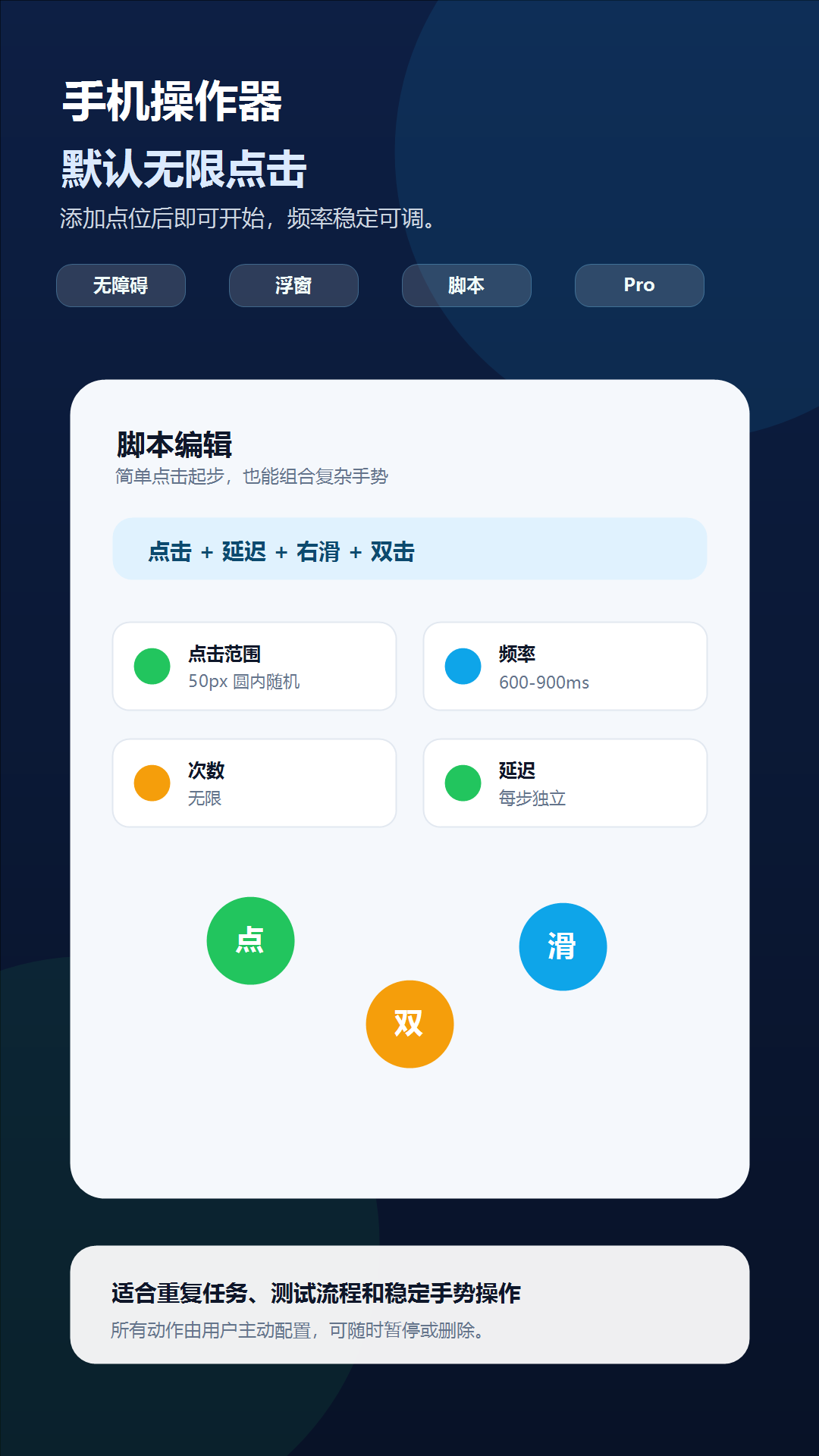
The simplest workflow is a constant single-point tap with no execution limit. This keeps the first-use experience approachable: users add one point, place it over the target, choose an interval, and start. Each tap point can also have its own visible random range. The indicator size represents the configured range, and generated tap coordinates stay inside that circle. This is useful when a workflow should not hit exactly the same pixel every time.
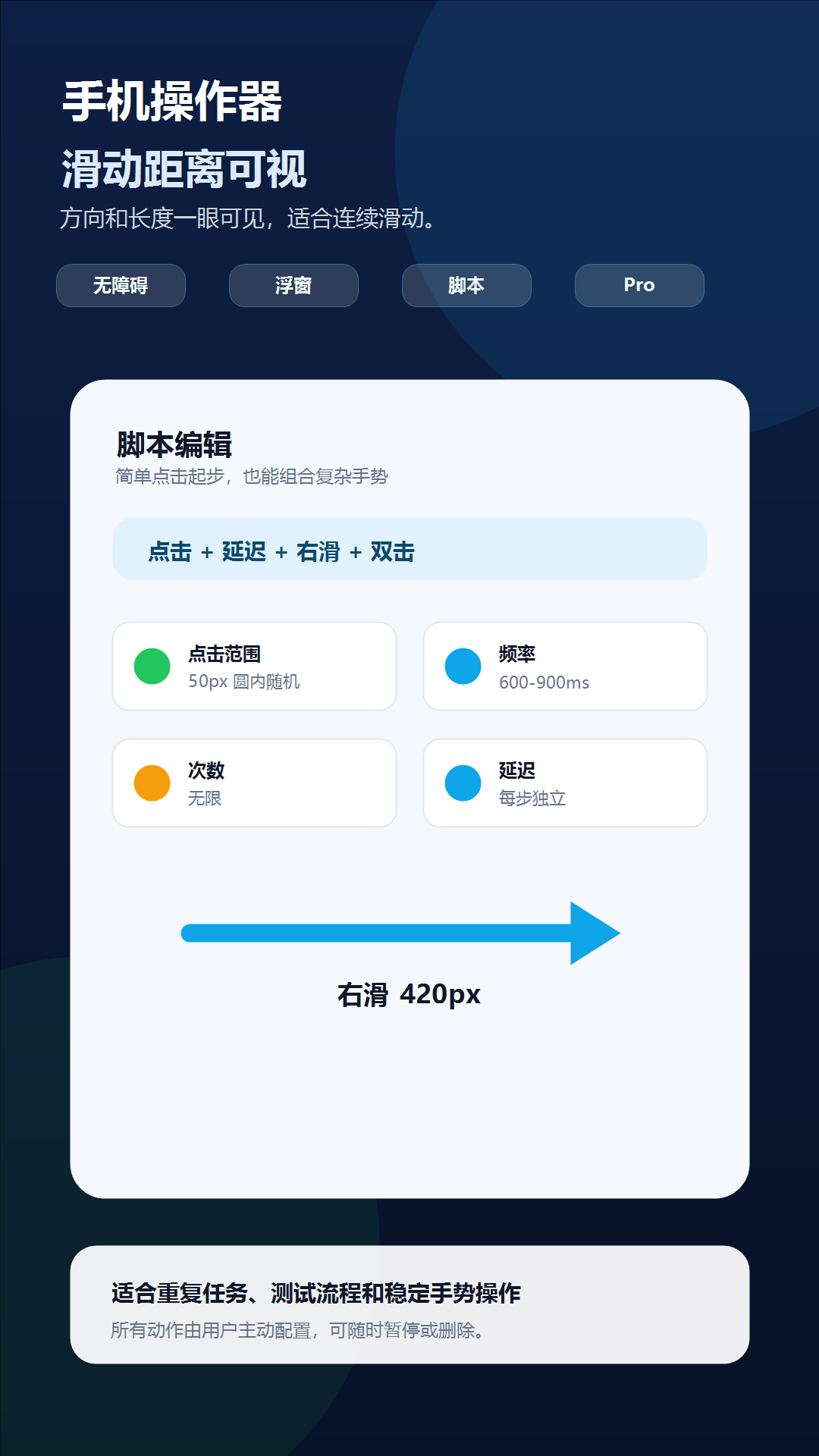
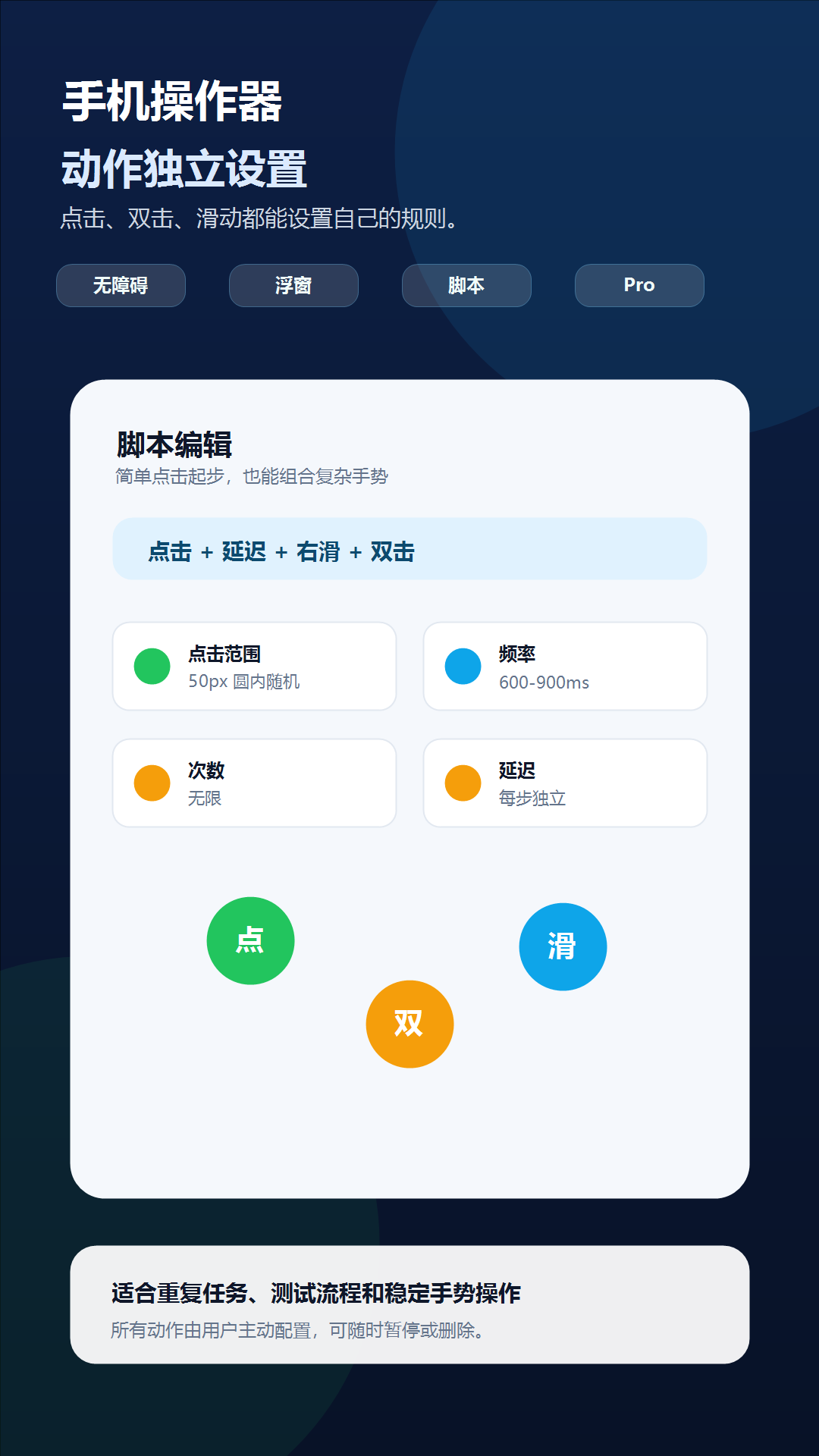
For more advanced sequences, Phone Operator supports single taps, double taps, and swipes in four directions. Swipe indicators show direction and configured distance without moving along the screen during playback. Different action types can be mixed in one reusable script, and every action can have independent timing, delay, frequency, randomization, and repeat settings. That structure makes the app suitable for repeated form checks, UI demonstrations, device testing, and other legitimate workflows that contain more than one gesture.
Automation is controlled through a movable floating panel. The panel remains visible while the user works in another app and provides direct start, pause, and stop controls. Action markers identify whether an item is a tap, double tap, or directional swipe, making multi-action scripts easier to understand before execution. Marker transparency can be adjusted so the overlay does not hide important content underneath it.
The app does not require root access, but Android Accessibility Service is necessary to dispatch the tap and swipe gestures configured by the user. Overlay permission is also required for the floating controls. Phone Operator explains these permissions with guided steps for common Android brands, including Samsung, Xiaomi, and Huawei. The service is used to perform the user-defined gestures; the app does not use it to read, store, or upload screen content. Script definitions and action settings are stored locally on the device.
Phone Operator follows a freemium model. The free version provides basic single-point clicking and contains advertising. A one-time Google Play purchase unlocks the lifetime Pro version, including multi-action scripts, mixed gesture sequences, and script sharing. Users can also voluntarily watch a rewarded ad to try Pro features for a limited period. When temporary Pro access ends, scripts that exceed free-tier limits are retained but restricted from execution until Pro access is restored, preventing premium behavior from continuing unintentionally.
Saved scripts help users reproduce a setup without rebuilding every point and delay. The app also supports eight interface languages: Chinese, English, Spanish, Portuguese, Russian, Indonesian, Hindi, and Arabic. It follows the system language by default and allows a manual language choice inside the app.
Phone Operator is best suited to transparent, user-controlled automation. It is not presented as a way to bypass verification, generate fake engagement, automate purchases, or defeat the security rules of another service. Users remain responsible for following the rules of any app they operate. Within those boundaries, its combination of visual editing, per-action controls, local scripts, directional gestures, floating playback controls, and no-root setup provides a flexible approach to repetitive Android touch workflows.
Key features
- Configurable taps and double taps
- Four-direction swipes with visible distance
- Mixed scripts with independent action delays
- Random tap ranges and loop controls
- Movable floating start, pause and stop panel
Pros
- No root access required
- Supports taps, double taps and directional swipes
- Per-action timing and random ranges
- Reusable local scripts
- Eight interface languages
Cons
- Requires Accessibility Service and overlay permissions
- Advanced mixed scripts require Pro
- Free tier includes advertising
Gallery
Reviews
Reviews are moderated before appearing publicly.
No reviews yet — be the first to share your experience.