 ProductReveal
About this product
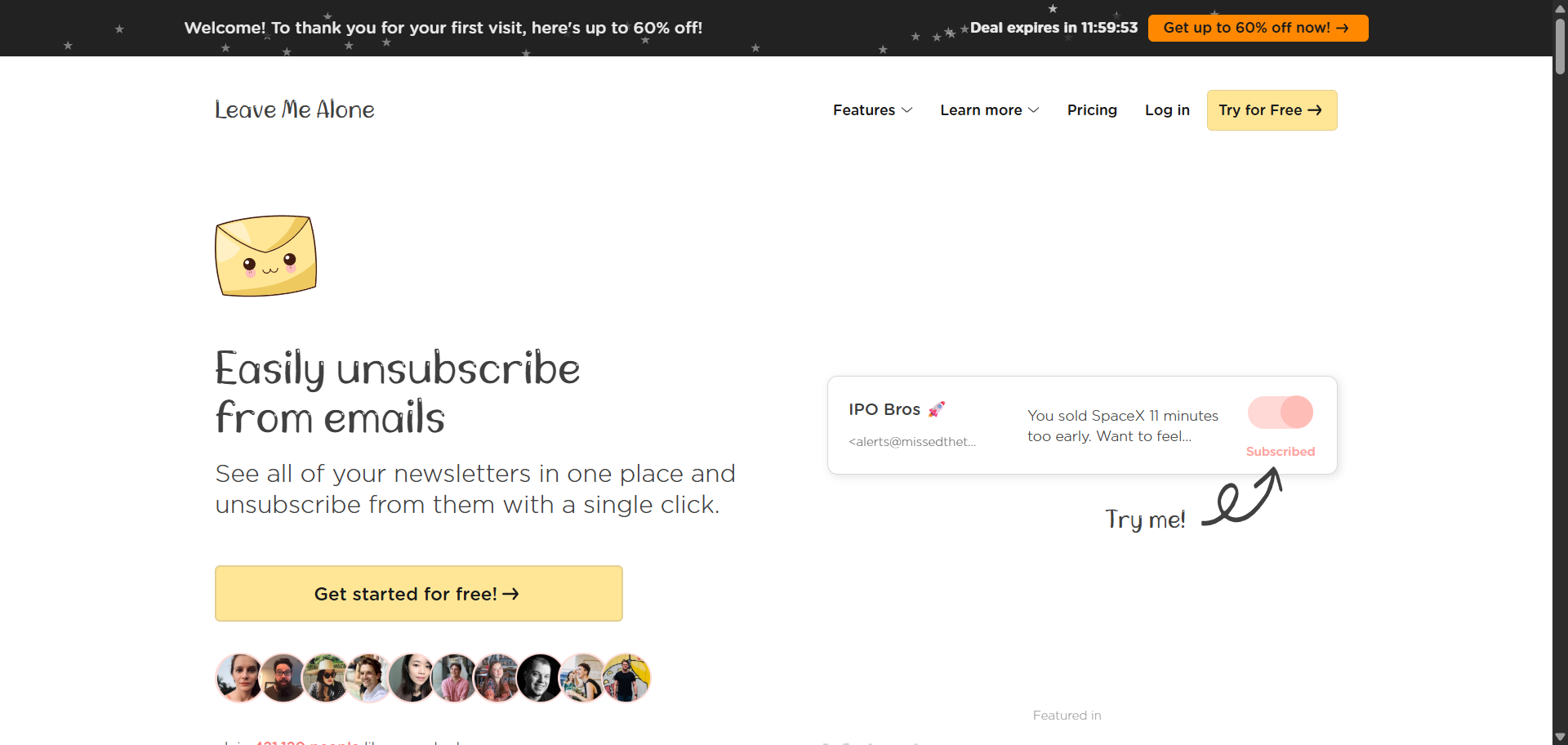
Leave Me Alone is a privacy-focused email management platform designed to help individuals regain control of their inboxes by eliminating unwanted newsletters, promotional emails, and marketing messages. Unlike traditional email filters that simply move unwanted emails into another folder, Leave Me Alone performs genuine unsubscribes from mailing lists, ensuring that unnecessary emails stop arriving altogether. This approach helps users maintain a cleaner inbox while reducing distractions and improving overall productivity.
The platform was created by independent founders Danielle and James with a simple mission: help people spend less time managing email and more time focusing on what matters. After discovering that most inbox clutter comes from newsletters and mailing lists users intentionally subscribed to over time, they built Leave Me Alone to make unsubscribing effortless. Their focus on simplicity, transparency, and user privacy has helped the platform become a trusted solution for thousands of individuals looking to achieve and maintain Inbox Zero.
One of the platform's standout features is its one-click unsubscribe system. After securely connecting an email account, Leave Me Alone scans for subscription emails and presents them in an organized dashboard. Users can quickly review every mailing list they belong to and unsubscribe with a single click. Unlike many competing services that merely apply filters or labels, Leave Me Alone follows the actual unsubscribe process so that unwanted emails stop being sent permanently whenever possible. This saves users significant time while reducing long-term inbox clutter.
Beyond unsubscribing, Leave Me Alone offers intelligent email organization through Rollups. Instead of deleting newsletters users still enjoy, the platform can collect them into scheduled daily or weekly digest emails. This allows users to continue reading valuable content without letting newsletters dominate their primary inbox. Multiple Rollups can be created for different categories, making email consumption more organized and less distracting.
Another major strength is Inbox Shield and Screener. These features proactively protect users from unwanted cold outreach, marketing campaigns, spam, phishing attempts, and repetitive promotional emails. Users can create custom blocklists, enable specialized shields, prioritize trusted senders, and even activate Do Not Disturb mode to temporarily hold incoming emails during focused work sessions. These productivity-focused tools transform email from a constant interruption into a controlled communication channel.
Privacy is at the core of Leave Me Alone's philosophy. Unlike some email cleanup services that monetize customer data, Leave Me Alone openly states that it does not sell user email data or use customer information for advertising purposes. The company is transparent about the limited metadata required to identify subscription emails and emphasizes secure handling of customer information. This privacy-first approach has become one of its strongest competitive advantages for users who are concerned about data security.
The platform supports a wide variety of email providers, including Gmail, Outlook, Yahoo Mail, AOL, iCloud, Fastmail, Microsoft accounts, and any provider supporting IMAP. Users can connect multiple email accounts and manage all subscriptions from a single dashboard, making it especially useful for professionals who maintain separate personal and work inboxes. Flexible pricing, a free trial for unsubscribing from a limited number of newsletters, and straightforward subscription plans make the service accessible to both casual users and email power users.
Overall, Leave Me Alone is much more than an unsubscribe tool. It is a complete inbox management solution that combines real unsubscribes, intelligent newsletter organization, spam protection, productivity features, and strong privacy practices into one easy-to-use platform. Whether you're overwhelmed by thousands of unread emails or simply want a cleaner, distraction-free inbox, Leave Me Alone offers an effective and privacy-conscious way to simplify email management and stay focused on what matters most.
Key features
- Automatically finds subscription emails and performs real unsubscribes instead of simply filtering or hiding messages.
- Combine favorite newsletters into daily or weekly digest emails, keeping your inbox organized while preserving important content.
- Block cold emails, spam, phishing attempts, and unwanted marketing campaigns using customizable shields and blocklists.
- Connect multiple email accounts from Gmail, Outlook, Yahoo, iCloud, Fastmail, AOL, and other IMAP providers in one dashboard.
- Protects user privacy by avoiding the sale of customer email data and maintaining transparency about data usage.
Pros
- Real one-click unsubscribes that permanently stop unwanted emails.
- Strong privacy policy with no selling of user email data.
- Supports multiple email providers and accounts.
- Rollup feature keeps newsletters organized without cluttering the inbox.
- Inbox Shield blocks spam, cold outreach, and marketing emails.
- Simple and beginner-friendly interface.
- Do Not Disturb mode improves productivity.
- Works with Gmail, Outlook, Yahoo, iCloud, Fastmail, AOL, and IMAP accounts.
- Flexible pricing with a free option to get started.
- Excellent solution for achieving and maintaining Inbox Zero.
Cons
- Requires access to your email account to manage subscriptions.
- Some unsubscribe requests depend on third-party mailing list compliance.
- Advanced features are available only on paid plans.
- Primarily focused on email cleanup rather than broader productivity management.
- Free usage is limited before a paid plan is required.
Reviews
Reviews are moderated before appearing publicly.
No reviews yet — be the first to share your experience.
Disclaimer: Product information is submitted by makers and reviewed by ProductReveal before publishing. We try to keep details accurate, but pricing, features, and availability may change. Please verify details on the official product website.