 ProductReveal
About this product
ClipShrink is a practical toolkit for creators and teams who need text from video without guessing the cost up front, and who also want everyday media utilities in the same place.
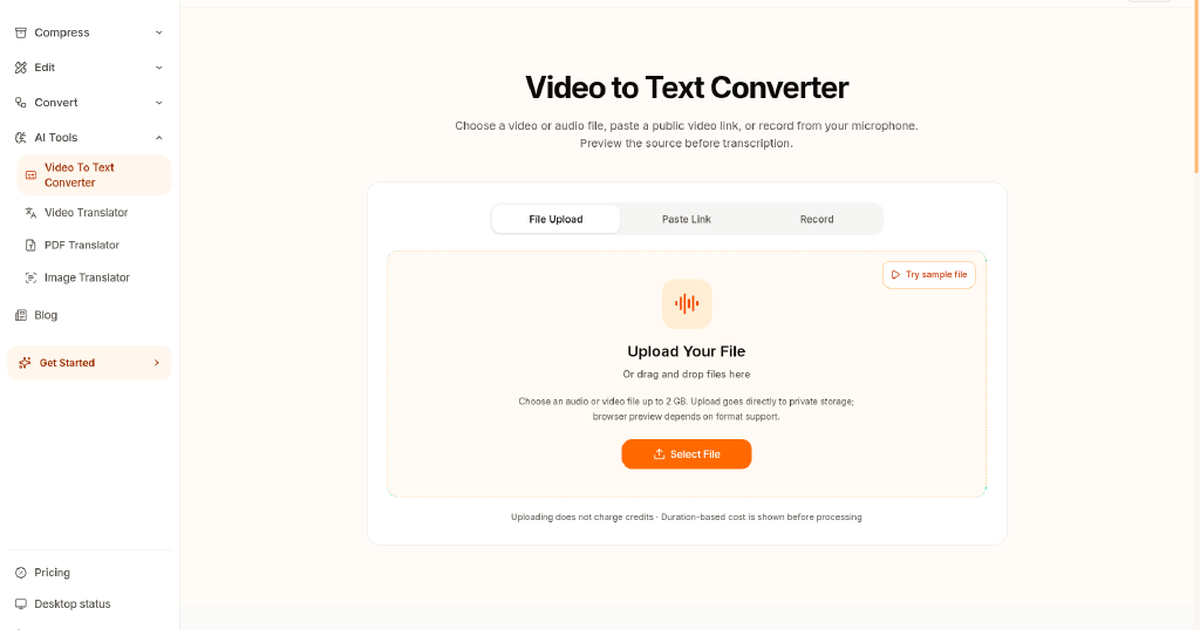
The primary flow is video-to-text and audio-to-text. You create an account, use or buy credits, upload the file to the cloud, and get a transcript. Before processing starts, ClipShrink shows a clear credit quote so you can decide whether to continue. That quote-before-process step is the product’s main differentiator versus tools that only reveal usage after the job finishes or bury cost in a vague monthly plan.
Pricing is one-time credit packs rather than a subscription. Free accounts get ten one-time credits to try the pipeline. Starter is nine dollars for seven hundred fifty credits. Creator is nineteen dollars for two thousand credits. Credits do not expire. If you have not used a pack within seven days, unused credits are refundable under the stated policy. That model fits occasional interview transcription, podcast notes, meeting dumps, lecture capture, and YouTube research better than monthly seats you barely use.
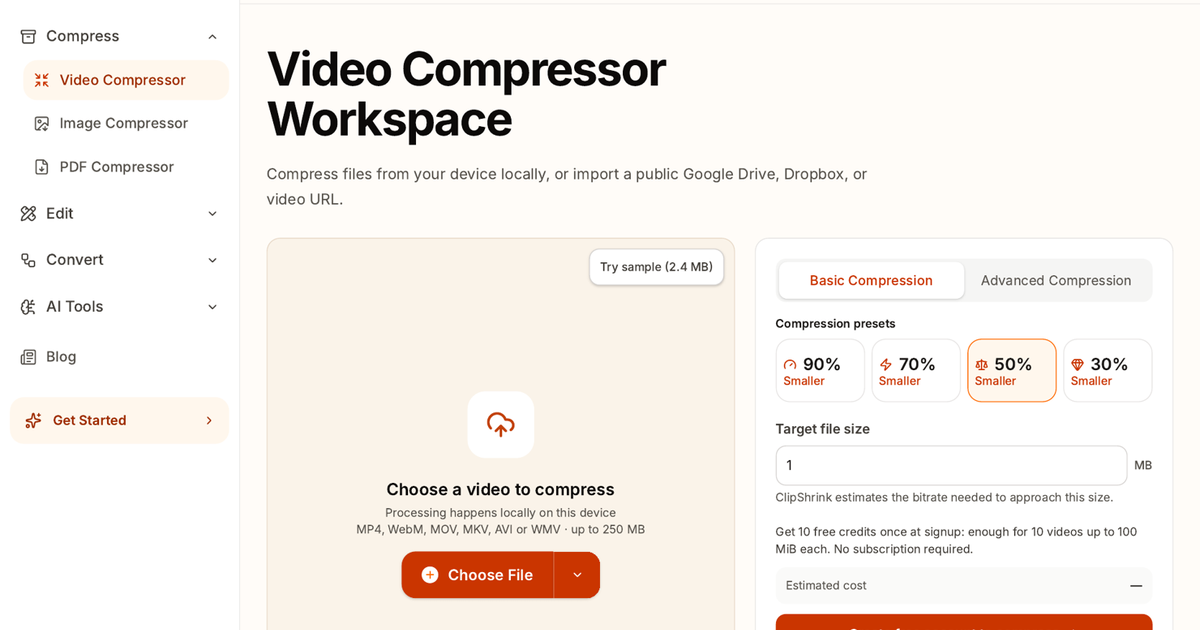
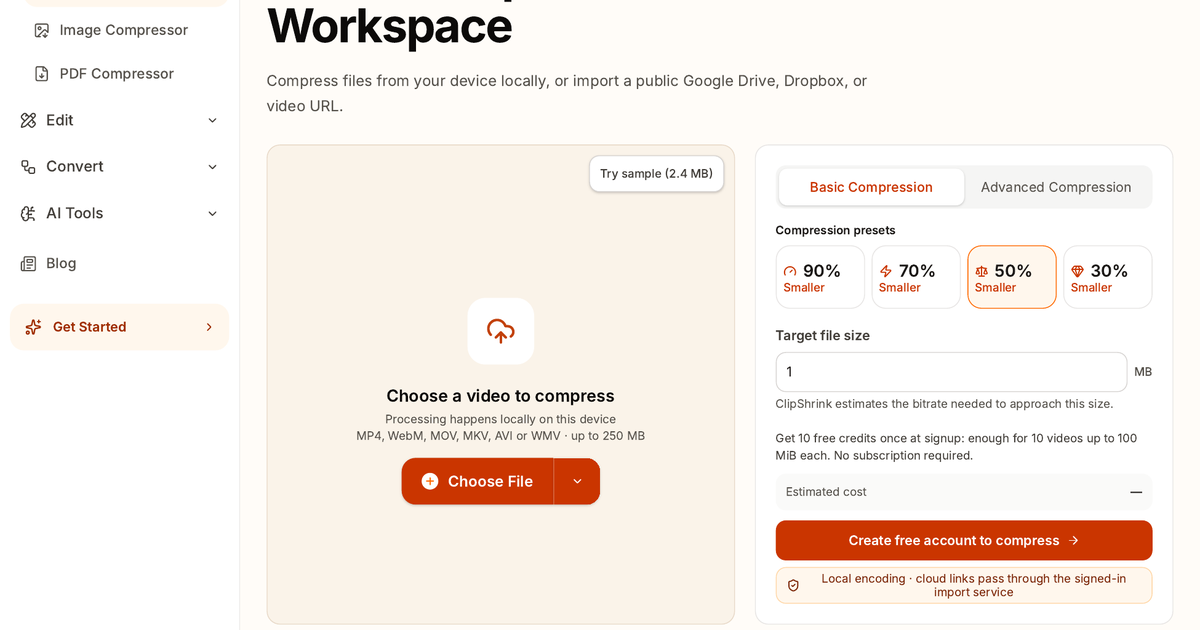
Beside transcription, ClipShrink ships browser tools for compressing, trimming, and converting video. Those tools re-encode locally in the browser for files you pick on your device. The local files chosen for compression are not uploaded for the compression job. Transcription is different: it requires an account, credits, and cloud upload. Marketing copy should keep that split accurate—do not describe the whole site as local-first or claim that every feature never leaves the browser.
In practice the workflow is simple. Open the video-to-text converter, sign in, pick a file, read the credit quote, confirm, and wait for the transcript. For a large export that only needs a smaller file size for email or social, use the compressor instead and keep the media on the device. For a long podcast or interview, use transcription and budget credits from the quote screen before you commit. For a rough cut that needs a shorter clip, use trim, then decide whether the result needs a transcript or only a smaller file.
ClipShrink fits freelancers, journalists, educators, podcasters, and small SaaS teams who care about predictable transcription spend and occasional local encode jobs. It is less ideal if you need offline-only transcription with no account at all, or if you insist every feature stays entirely on-device with no cloud step. The honest tradeoff is cloud transcription with upfront credit quotes, plus local encode helpers for compression and related edits when privacy or upload bandwidth matters.
Compared with pure transcription SaaS, ClipShrink leans on transparency of cost and a small suite of adjacent media utilities. Compared with desktop-only editors, it is lighter and faster to open in a tab when you just need text or a smaller file. The product page that should be linked from directories is the video-to-text converter, because that is the primary growth surface; compression and trim remain useful companions rather than the main pitch.
Overall, ClipShrink is a clear freemium media utility centered on video-to-text with a credit quote before processing, backed by practical browser tools for everyday video cleanup. If your week includes “turn this recording into notes” more often than “rebuild a full NLE timeline,” it is worth a free trial of the ten credits and a look at the quote screen before you buy a pack.
Key features
- Credit quote before transcription
- Video/audio to text with account+credits
- Browser local video compress for device-picked files
- Trim/convert helpers in browser
- One-time credit packs, no subscription
Pros
- Credit quote before you process
- One-time credits, no subscription
- Local compress for device-picked files
Cons
- Transcription needs an account, credits, and cloud upload
- Not an offline-only transcription tool
Gallery
Reviews
Reviews are moderated before appearing publicly.
No reviews yet — be the first to share your experience.